How to Create an UTM Link?
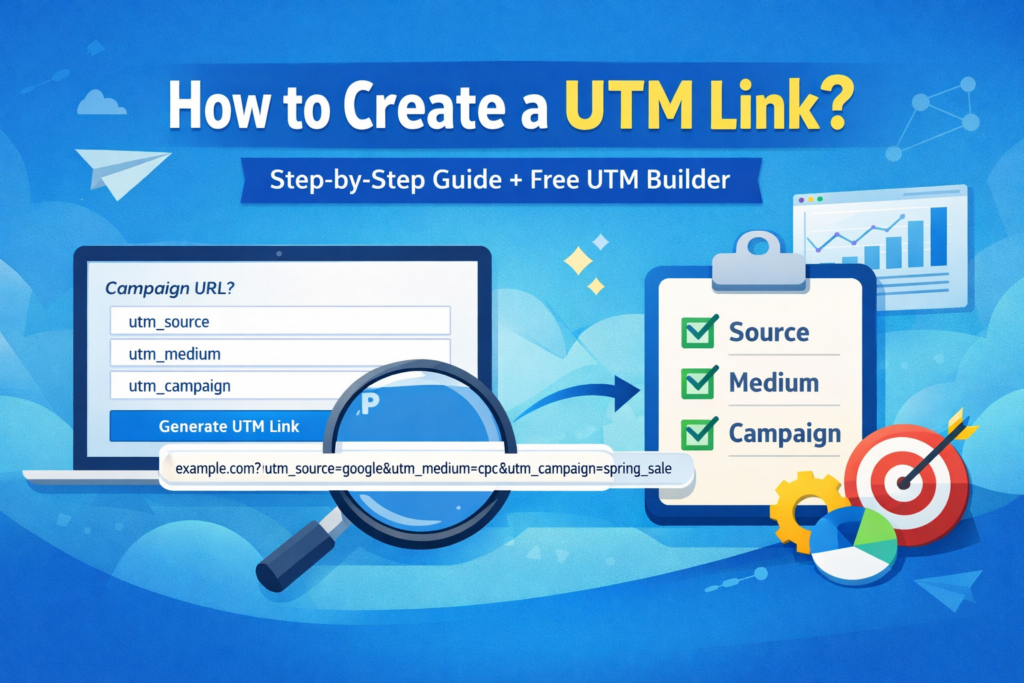
If you want to track where your website visitors come from, creating a proper UTM link is one of the easiest and smartest things you can do. Whether you are sharing links through Google Ads, email newsletters, social media, affiliate campaigns, or influencer promotions, UTM parameters help you understand what is actually working.
How to Create an UTM Link Step by Step
An UTM link is simply a normal webpage URL with a few extra tracking parameters added to the end. These parameters tell analytics tools where your visitor came from, what type of marketing channel brought them, and which campaign they clicked on.
utm_source, utm_medium, and utm_campaign.
The example above tells your analytics software that the visitor came from Facebook, through a social channel, and as part of the summer_sale campaign. This may look small, but it makes a huge difference once you start sharing links in multiple places.
Without UTM parameters, many traffic sources can appear vague or incomplete inside analytics reports. You may see visits, but you may not clearly know which campaign created them. With proper UTM tagging, your reports become cleaner, easier to understand, and much more useful for decision-making.
Simple 6-Step Process
Use this practical method every time you create a campaign URL.
1. Start With Your Destination URL
Choose the exact page where you want visitors to land. This could be a product page, signup page, homepage, blog article, offer page, or sales page.
2. Add utm_source
This tells you where the traffic came from. Examples include google, facebook, newsletter, instagram, and youtube.
3. Add utm_medium
This identifies the traffic channel. Common values include email, social, cpc, affiliate, and referral.
4. Add utm_campaign
Give the promotion a clear campaign name like summer_sale, black_friday, launch_offer, or product_release.
5. Use Optional Fields if Needed
You can also use utm_term for keywords and utm_content for button tests, banner versions, ad creatives, or A/B testing.
6. Generate and Share
Once your link is ready, use it in your ads, social posts, email campaigns, affiliate promotions, YouTube descriptions, or any campaign where tracking matters.
Use the Actual Tool Instead of Building Links Manually
If you want to generate clean campaign URLs quickly without formatting mistakes, use the live CoinThumbs tool here:
Open UTM Link BuilderUTM Parameters Explained
These are the most important fields you need to understand when building a campaign tracking URL.
| UTM Parameter | What It Means | Example | Best Use Case | Why It Matters |
|---|---|---|---|---|
| utm_source | Traffic source | google, facebook, youtube | Knowing where users came from | Shows origin clearly |
| utm_medium | Marketing channel | cpc, email, social | Separating channel type | Makes reports cleaner |
| utm_campaign | Campaign name | summer_sale, launch_offer | Tracking promotions | Useful for campaign comparisons |
| utm_term | Keyword tracking | running_shoes | PPC or search ads | Helps track keyword-level performance |
| utm_content | Creative variation | blue_button, banner_a | A/B tests or ad creatives | Compares content variations |
Easy Memory Trick
Remember it like this: Source = where traffic came from, Medium = what channel brought it, Campaign = what promotion it belongs to.
Normal URL vs UTM URL
This is where most beginners instantly understand why UTM links matter.
Normal URL
- No source tracking
- No campaign visibility
- Harder to compare traffic quality
- Less useful analytics data
UTM URL
- Clear campaign attribution
- Better traffic source data
- Improved reporting clarity
- Smarter marketing decisions
Best Practices for Creating UTM Links
Most UTM mistakes happen because people name campaigns inconsistently. If you want cleaner reports and better long-term analytics, follow these best practices from the beginning.
Use Lowercase Only
Always use lowercase values so reports do not split entries like Facebook and facebook into different rows.
Stay Consistent
If you use social once, do not switch to social_media later unless you truly mean something different.
Use Clear Campaign Names
Choose campaign names you will still understand after weeks or months. Clarity saves time when reviewing reports later.
Test Before Sharing
Always open the final URL once before publishing it. This helps catch typos, broken links, and formatting errors.
Smart Real-World Advice
If you run multiple campaigns across email, social, YouTube, or ads, UTM tracking becomes one of the simplest ways to improve your reporting quality without needing advanced analytics skills.
Why UTM Links Matter for Website Growth
UTM links do not directly boost search rankings, but they are extremely useful if you want to understand what traffic sources are actually helping your site grow. That matters a lot when you are trying to build better campaigns and attract higher-quality visitors.
For example, imagine you are promoting the same page through Facebook, Google Ads, email newsletters, influencer mentions, and WhatsApp sharing. If you use the same plain URL everywhere, your traffic reports will be much harder to interpret. You may get visitors, but you will not clearly know which campaign performed best.
Once you start using proper UTM links, your reports become more structured. You can compare campaigns, spot weak channels, identify stronger traffic sources, and understand what is actually worth repeating. This is especially useful if you are trying to improve traffic quality from competitive regions such as the United States, United Kingdom, Canada, or Australia.
In simple words, UTM links help you move from guessing to measuring. And when you can measure properly, you can improve much faster.
Frequently Asked Questions
What is an UTM link?
An UTM link is a standard URL with extra tracking parameters added so analytics tools can identify campaign traffic more clearly.
Do I need all UTM parameters?
No. In most cases, utm_source, utm_medium, and utm_campaign are enough.
Can beginners use UTM links?
Yes. UTM links are beginner-friendly once you understand the purpose of each parameter and keep your naming system consistent.
Should I create UTM links manually?
You can, but using a proper builder is much easier and reduces formatting mistakes.
Final Takeaway
Creating an UTM link is simple once you know the structure. Start with your normal URL, add clear campaign parameters, keep naming consistent, and use a proper tool to avoid mistakes. If you want the fastest way to build one, use the CoinThumbs tool page linked above.
Create UTM Links Easily (Free Tool + Official Method)
To track your marketing campaigns accurately, you can use trusted tools. Below are both the official Google method and a faster alternative tool.
Official Google Builder
Use the official Google Campaign URL Builder to manually create UTM links.
Open Google Tool →Free UTM Link Builder
Our free UTM Link Builder provides a faster and easier way to generate tracking links without any login.
Create UTM Link →Why Use UTM Links?
UTM parameters help track traffic sources, campaigns, and performance in analytics tools.
Note: External links are provided for reference and learning purposes only. We do not claim ownership of third-party tools.