Google Campaign URL Builder: Create UTM Links Easily (Free Tool + Guide)
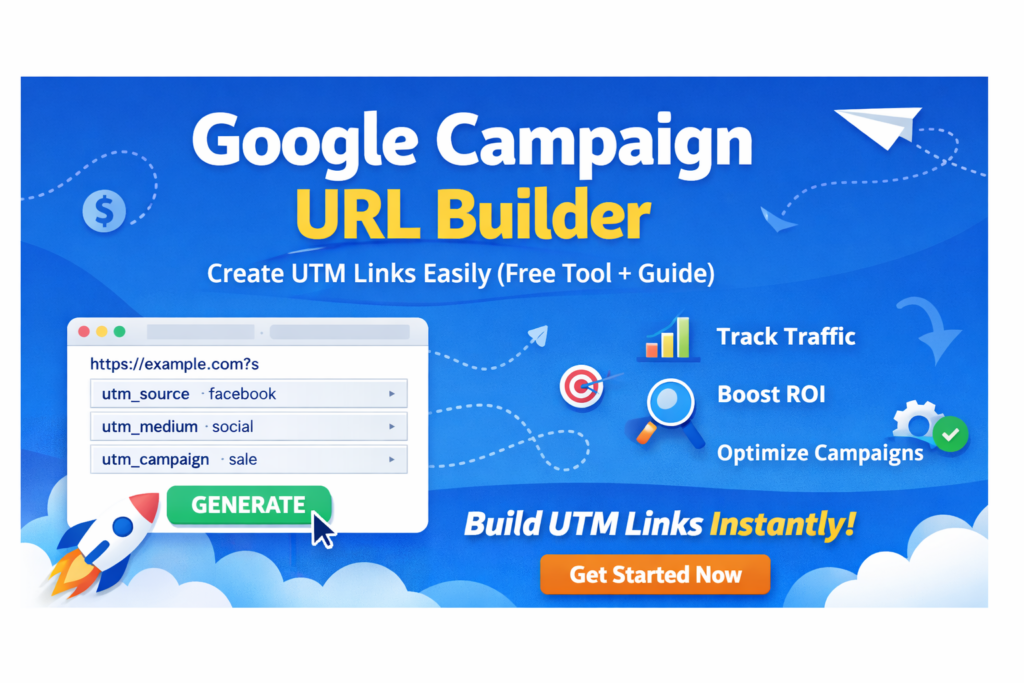
Google Campaign URL Builder Guide
A Google Campaign URL Builder is a practical solution for tracking marketing performance with accuracy. When links are shared across multiple platforms, it becomes difficult to identify which source is generating traffic. This tool solves that problem by allowing you to attach structured tracking parameters to each URL.
Instead of relying on estimates, you can collect clear information about user activity, traffic sources, and campaign performance. This helps in understanding what works and what should be improved. With proper tracking, marketing decisions become more precise and focused.
Businesses, bloggers, and marketers use campaign URL builders to monitor traffic patterns and improve engagement. The ability to measure each campaign separately provides a significant advantage in optimizing performance.
Track Sources
Identify where users are coming from across channels.
Measure Campaigns
Evaluate which campaigns deliver better results.
Optimize Strategy
Improve marketing using accurate insights.
Increase Efficiency
Focus efforts on high-performing traffic sources.
Create trackable links quickly using our tool.
Open UTM BuilderWhat is a Campaign URL Builder?
A campaign URL builder is a tool used to generate URLs that include tracking parameters. These parameters provide detailed information about how visitors reach your website. Instead of a basic link, a structured URL allows analytics tools to capture useful data about user behavior.
For example, a simple link can be converted into a trackable format that includes campaign details. This enables marketers to monitor performance across different platforms and campaigns effectively.
Using a standardized approach ensures that data remains consistent and easy to analyze. Over time, this helps in building a reliable tracking system that supports long-term growth.
Why Tracking Matters
Understanding traffic sources is essential for improving online performance. Without tracking, it is difficult to measure the success of marketing efforts. Structured tracking provides clarity and helps in identifying which channels deliver the best results.
Clear Visibility
See which sources bring visitors to your website.
Better Decisions
Use data to improve marketing strategies.
Performance Insight
Understand how campaigns perform over time.
Consistent Growth
Focus on methods that generate results.
UTM Parameters
UTM parameters are tags added to URLs that provide tracking information. Each parameter has a specific purpose and contributes to better analysis of campaign performance.
| Parameter | Purpose |
|---|---|
| utm_source | Defines traffic origin |
| utm_medium | Specifies marketing channel |
| utm_campaign | Identifies campaign name |
| utm_term | Tracks keywords |
| utm_content | Differentiates variations |
Maintaining consistent naming conventions is important to keep data organized and easy to interpret.
How to Create UTM Links
Creating a trackable link is a simple process that can be completed in a few steps. Using a dedicated tool ensures accuracy and saves time.
- Enter your website URL
- Add campaign parameters
- Generate tracking link
- Use it across platforms
Common Mistakes
Avoiding common mistakes ensures that your tracking data remains accurate and useful.
Inconsistent Naming
Use the same format for tracking.
Missing Data
Always include key parameters.
Invalid URLs
Avoid spaces and incorrect formatting.
No Planning
Define tracking strategy before campaigns.
Conclusion
A campaign URL builder provides a structured way to track traffic and measure performance. It helps you understand how users interact with your campaigns and where improvements are needed.
By using proper tracking methods, you can make informed decisions, optimize campaigns, and achieve consistent growth over time.
Google Campaign URL Builder
Use the official tool to create accurate and reliable campaign tracking links.
Open Official Tool →Disclaimer
This website is not affiliated with or endorsed by Google. The term “Google” is a trademark of Google LLC. This content is provided for educational and informational purposes only.